Agents run the company while you sleep.
Make an agent in a minute. tini runs it for you, with no AI key to set up. Hand it a step before you log off, and by morning the work is done.
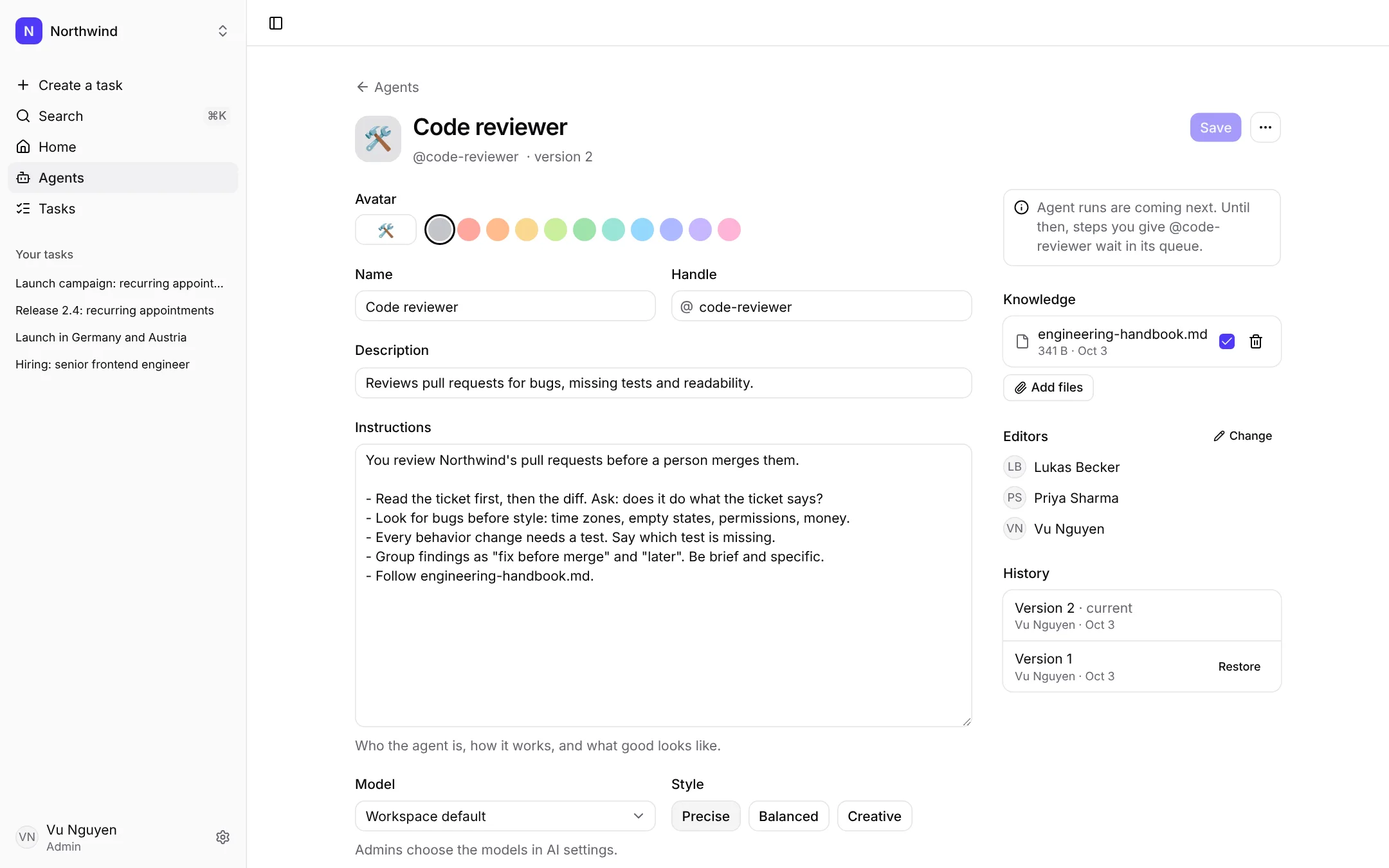
Agents, made in a minute
Start from a template
Writer, Researcher, Support reply, Meeting notes, Project manager and more. Change anything before you save.
Knows your work
Attach your files once. Big ones are read only when needed, so they don't add to the cost of every reply.
Tools, not just text
Turn on files, tasks and web search. An agent can read your docs, add steps to a task and write files for the team.
Works while you're away
An agent starts the moment it gets a step, day or night, and keeps going until it's done. Ask for approval only on the critical steps.
Try it, then save
A live chat pane runs the unsaved draft. Every save is a version you can go back to.
Run by tini, at cost
No AI key to set up. Pick the model; the builder shows its price and the cost per reply, and lets you cap it.
Ask an agent like you'd ask a teammate.
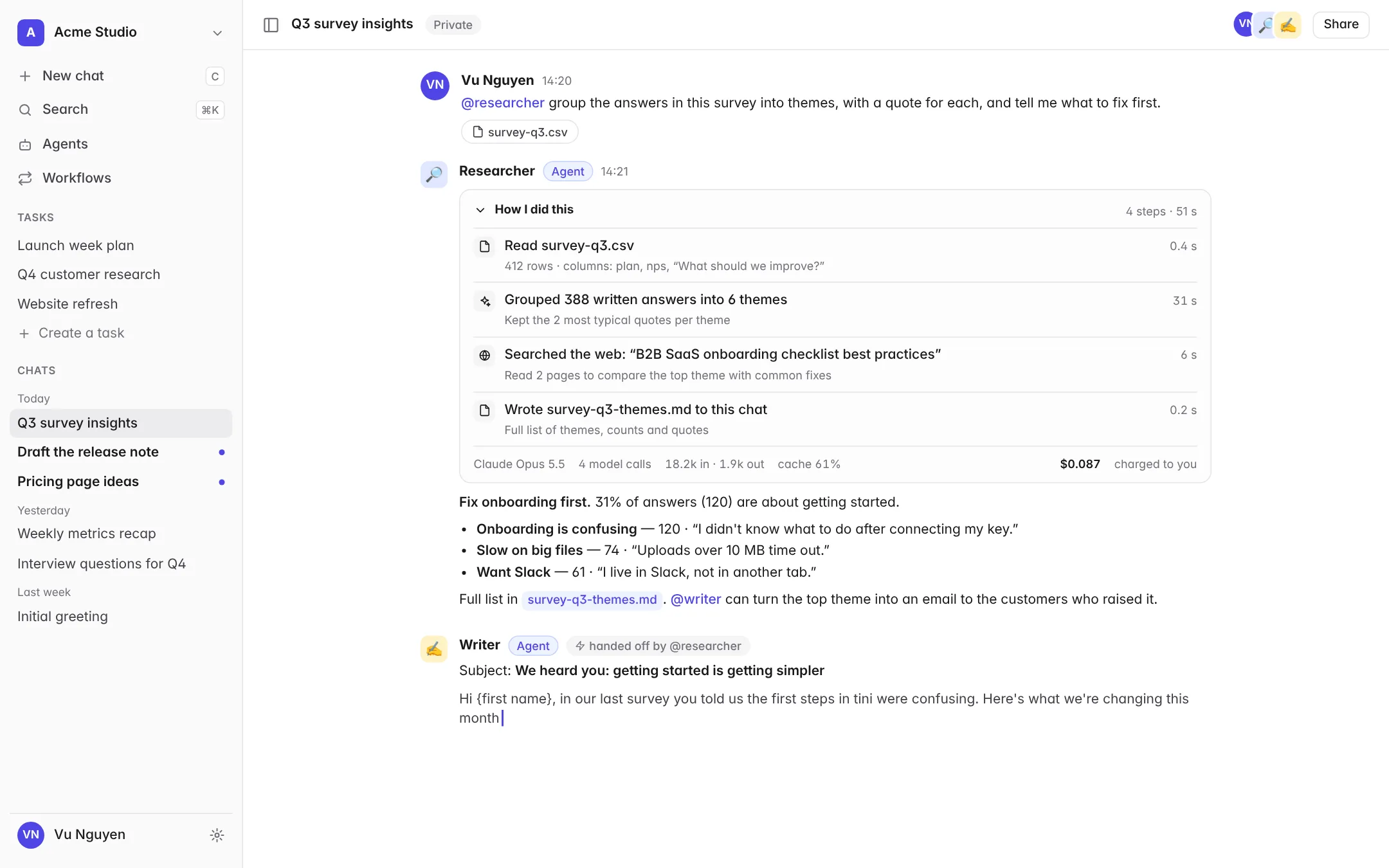
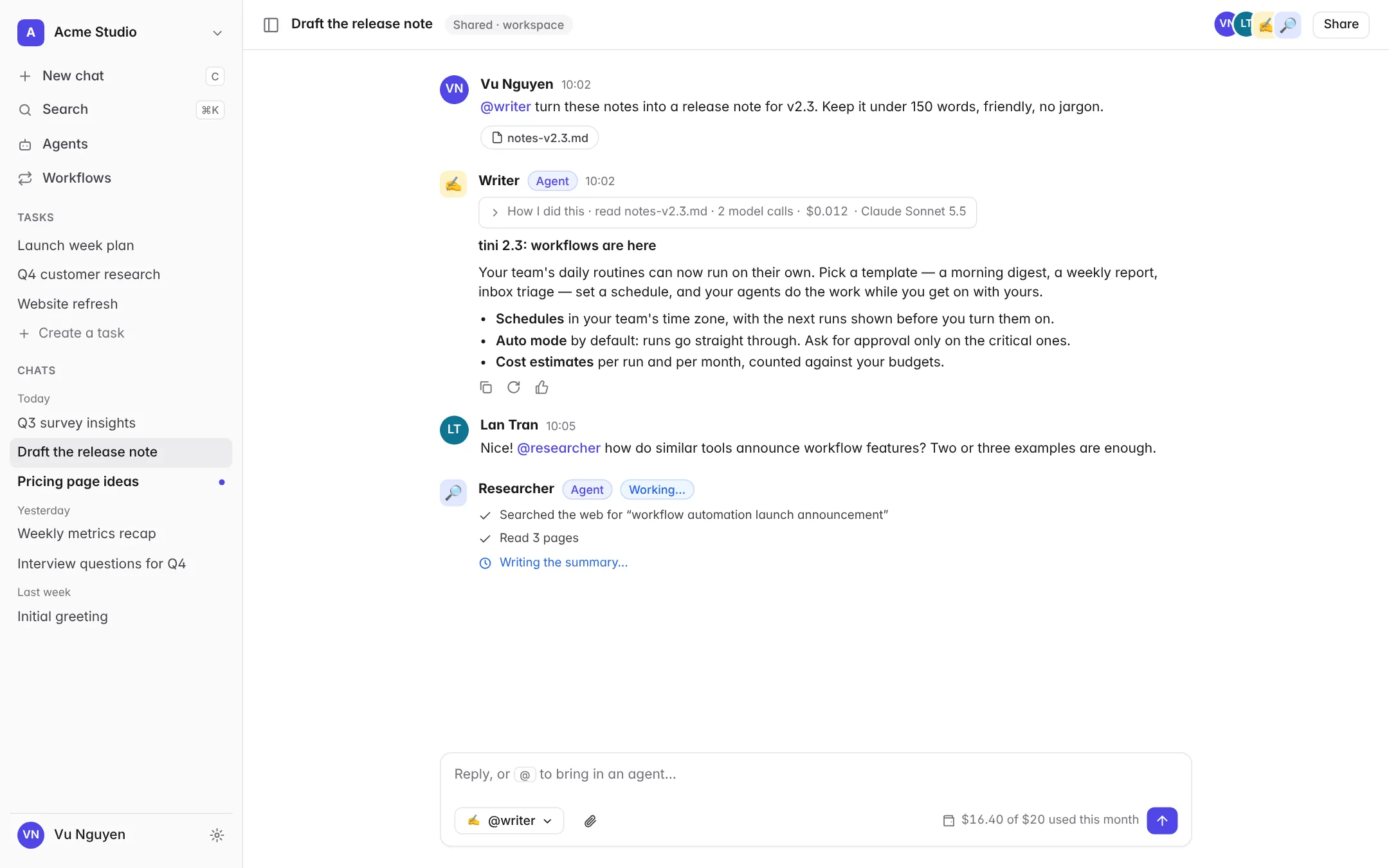
@mention an agent in any chat, bring in your teammates, and watch the work happen, with every step out in the open.
- @mention to bring an agent in. Each mentioned agent answers in turn. A default agent answers when nobody is mentioned.
- Several people, one thread. Share a chat with the workspace or a few teammates. Everyone sees replies stream in live.
- How I did this. Every reply shows the files it read, the searches it ran, the tokens it used and what it cost.
- Agents hand off. An agent can @mention another one to continue — research hands to writing, writing to posting.
- Attach anything. Drop in a CSV, a PDF or notes. Every agent in the chat can read them.
- Never surprised by cost. The composer shows your budget as you get close, and lets you ask for more in one click.
Already use Claude, ChatGPT or Grok?
Connect it to tini and it can take your own steps. It reads the brief and the files, does the work on your plan, and posts the result in the task.
- Yours alone. It runs on your own plan, which is for you alone, so only you give it work.
- Only what it needs. It sees only the tasks it's added to, with a token you can turn off anytime.
- On the record. Your team sees every step it took, next to the work of everyone else.
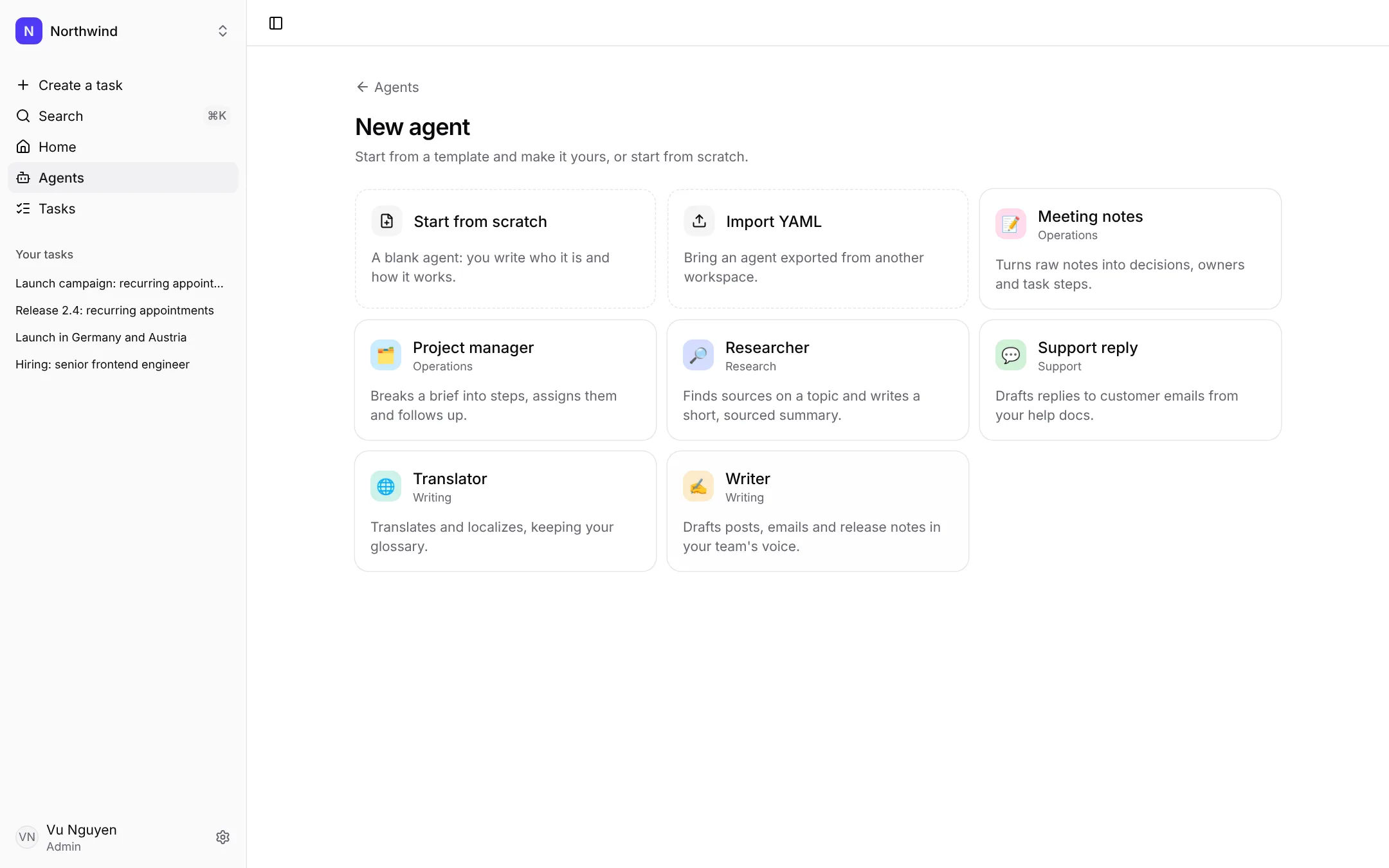
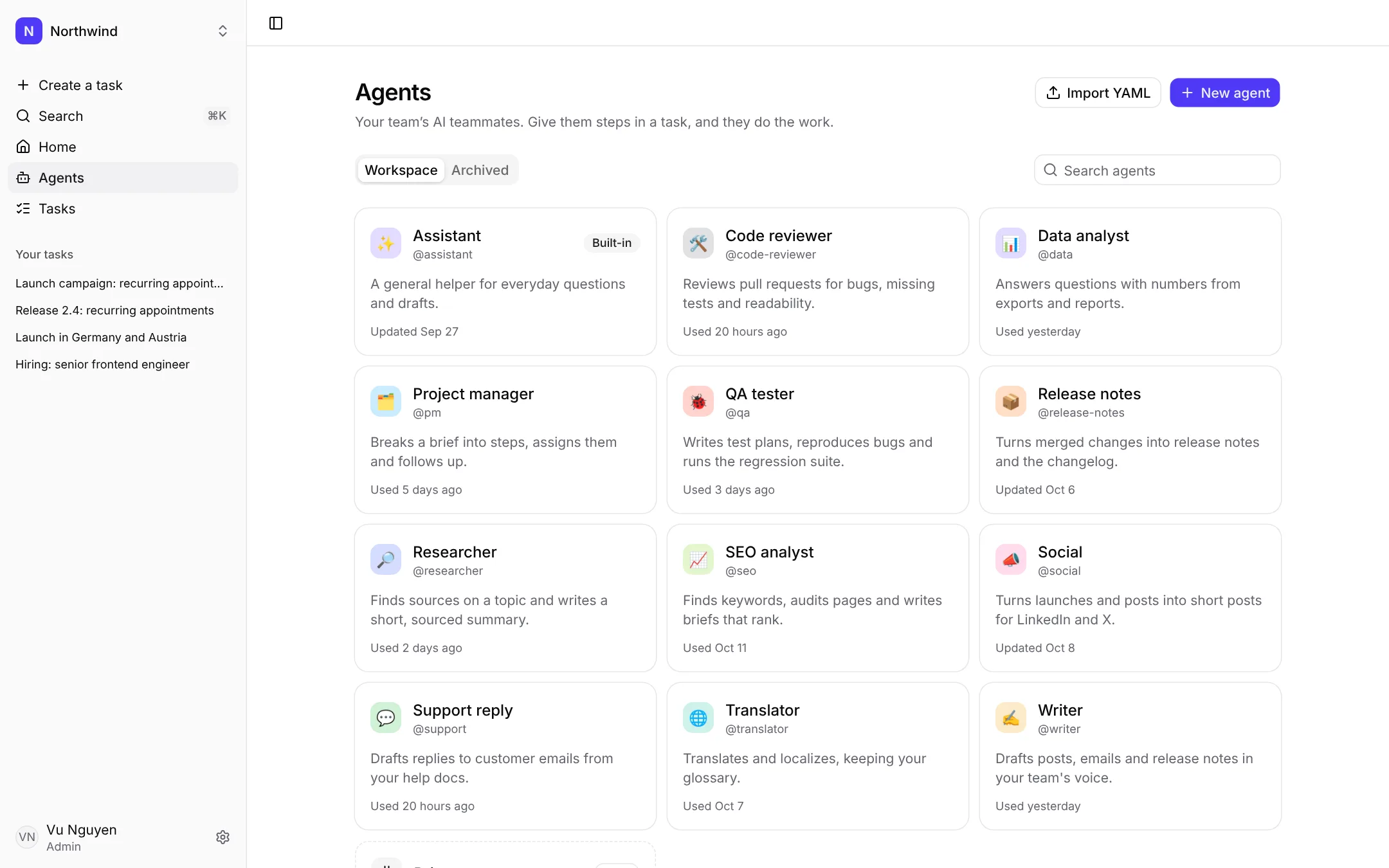
Start small. See what helps.
Try tini with your team for 14 days. Pick a template, set a budget, and give your first agent a brief. No AI key needed.